Pick Loom for async updates where you want a link with comments and reactions. Pick ScreenTell for demos, tutorials and social clips that need auto zoom, a clean background and no time limit, without uploading anything.
At a glance
| ScreenTell | Loom | |
|---|---|---|
| Best for | Demos, tutorials, docs, social clips | Quick async messages |
| Free plan | Recording, editing and export, no limits | 25 videos, 5 minutes each |
| Paid plans | Share $4/month for hosted links (coming soon) | Business $18, Business + AI $24 per user per month |
| Editing | Auto zoom, speed, trim, split, masks, styling | Light edits; waveform editing on Business |
| Camera effects | Layouts, background blur or removal, touch-up | Camera bubble |
| Where videos live | Your Mac | Loom's cloud |
| Sharing | File or clipboard; share links coming soon | Link with comments and reactions |
| Platforms | macOS; Windows next | Mac, Windows, Chrome, mobile |
Loom details from Loom's pricing page. Checked 28 November 2026.
Editing
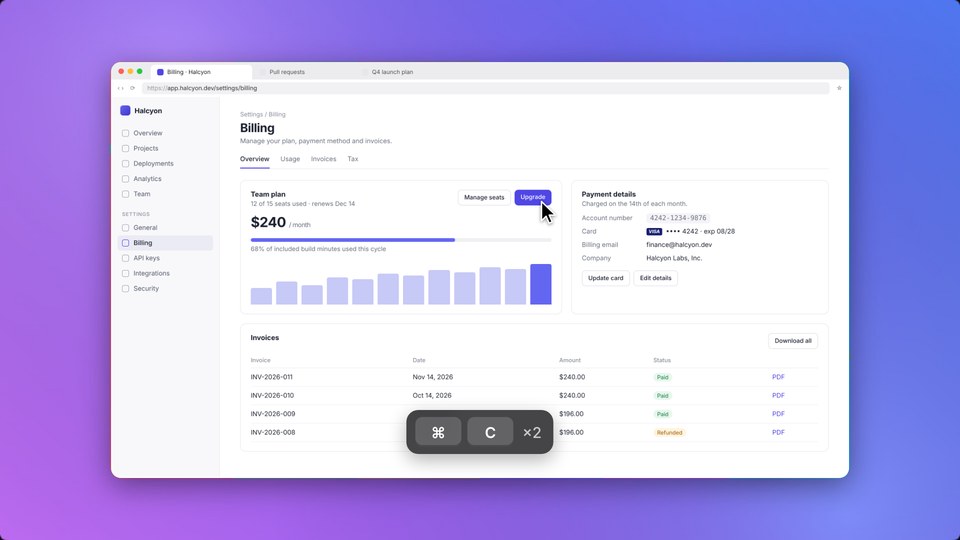
Loom keeps editing light on purpose. ScreenTell opens a full timeline when you stop: zooms are already placed where you clicked, and you can trim, split, speed up the slow parts, add a blur or nudge a zoom. Most recordings need a minute of touch-up, not an hour.
Privacy
Every Loom video is uploaded to Loom. ScreenTell records, edits and exports locally with no account, and only uploads a video when you choose to share it, which keeps customer data and unreleased features on your machine.
Price
Loom's free plan is generous for short messages, but the 5-minute cap pushes longer tutorials onto Business at $18 per user per month. ScreenTell's app is free with no cap; you'll only pay $4 a month if you want hosted share links.
Questions
Can ScreenTell replace Loom for my team?
For polished videos, yes. For link sharing, not yet: share links are coming soon, and comments aren't planned yet.
Is ScreenTell on Windows like Loom?
Not yet. ScreenTell is macOS first, and Windows is next.