A full-screen recording of a 27-inch display is unreadable on a phone or in a Slack thread. Viewers lose the cursor, miss the button you clicked and give up. Zooming in by hand in a video editor fixes it, but it takes longer than the recording did.
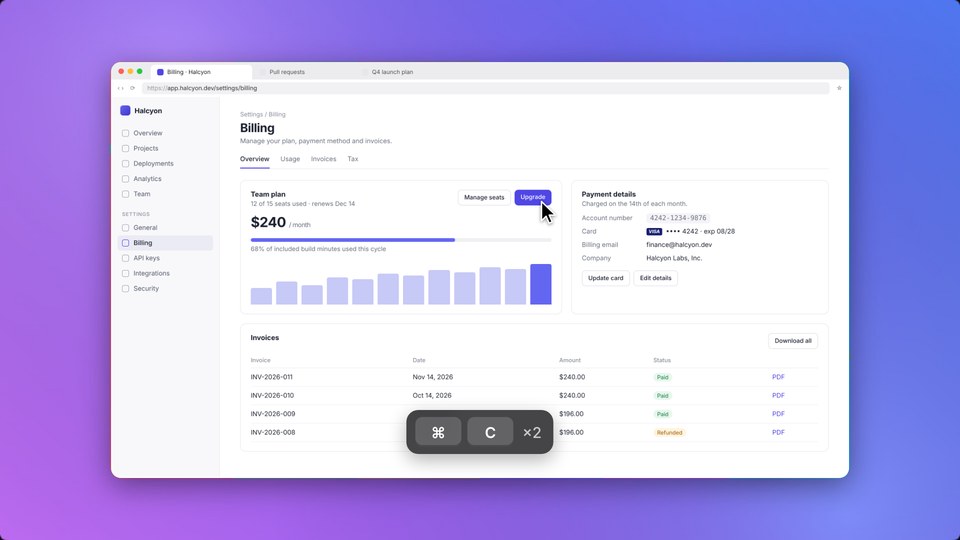
ScreenTell does it for you. It records your screen, your cursor and your clicks separately, so it knows exactly where the action is. Each click becomes a zoom segment on the timeline that eases in, follows the cursor and eases back out.
How it works
- Record as usual. Click what you're showing; there's nothing to toggle.
- Stop. The editor opens with a purple zoom segment for each moment of action.
- Drag a segment's edges to change when it starts and ends, pick 1.5×, 2×, 2.5× or 3×, click the preview to choose where it zooms, or delete it. Add your own zoom with the + on the Zoom row, or reset everything to the automatic zooms.
Details that make it look right
- Smooth pans. The camera glides between targets instead of cutting, with optional motion blur on the pan.
- Cursor smoothing. Jittery mouse paths become clean curves, and you can make the cursor bigger so it reads on small screens.
- Click ripples show viewers exactly when you clicked.
- Works in every shape. In 9:16, follow pointer keeps the action in frame. See vertical video.
- Blur stays put. A tracked blur stays on the sensitive text even when you zoom to 3×.
Questions
Can I turn auto zoom off?
Yes. Delete the zoom segments you don't want, or all of them, and the recording plays at full frame.
Does auto zoom lower the video quality?
Record on a high-resolution display and export at 1080p or 4K, and zoomed shots stay sharp.
Is auto zoom free?
Yes. Every ScreenTell feature is free.