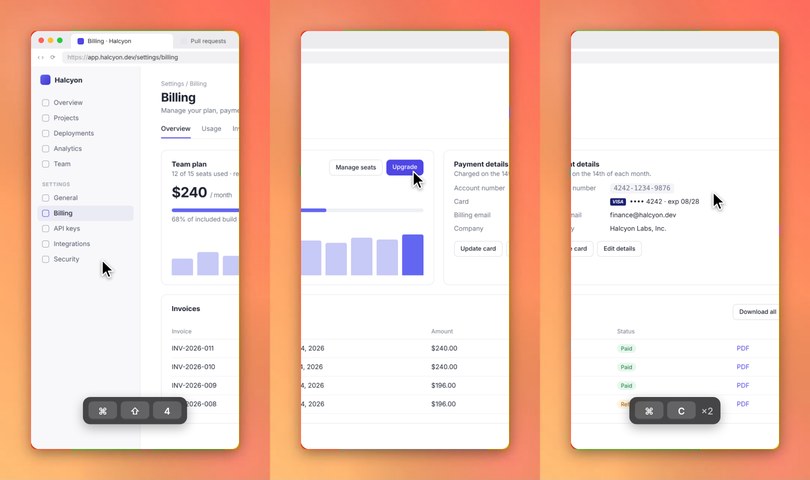
Your screen is wide; social feeds are tall. Cropping a wide recording to 9:16 by hand means keyframing a crop that chases your cursor. ScreenTell's Follow pointer does that for you: the vertical frame tracks the pointer and the zooms, so whatever you're clicking stays in view.
Shapes
- 16:9 for YouTube, docs and slides.
- 1:1 for LinkedIn and X posts.
- 9:16 for TikTok, Instagram Reels and YouTube Shorts.
- Screen keeps your display's own shape.
Make vertical look intentional
- Use the split camera layout: screen on top, your face below.
- Zoom in further than you would for 16:9; 2.5× to 3× reads well on a phone.
- Turn on on-screen keys at the top so the platform's captions don't cover them.
- Save it as a look, such as “Sunset vertical”, and reuse it next time in one click.
Questions
Do I need to record in vertical?
No. Record your normal screen and choose 9:16 in the editor. You can export the same recording in every shape.
What resolution are vertical exports?
Up to 4K, at 30 or 60 fps.